 BayTransit Widgets
iOS Widgets
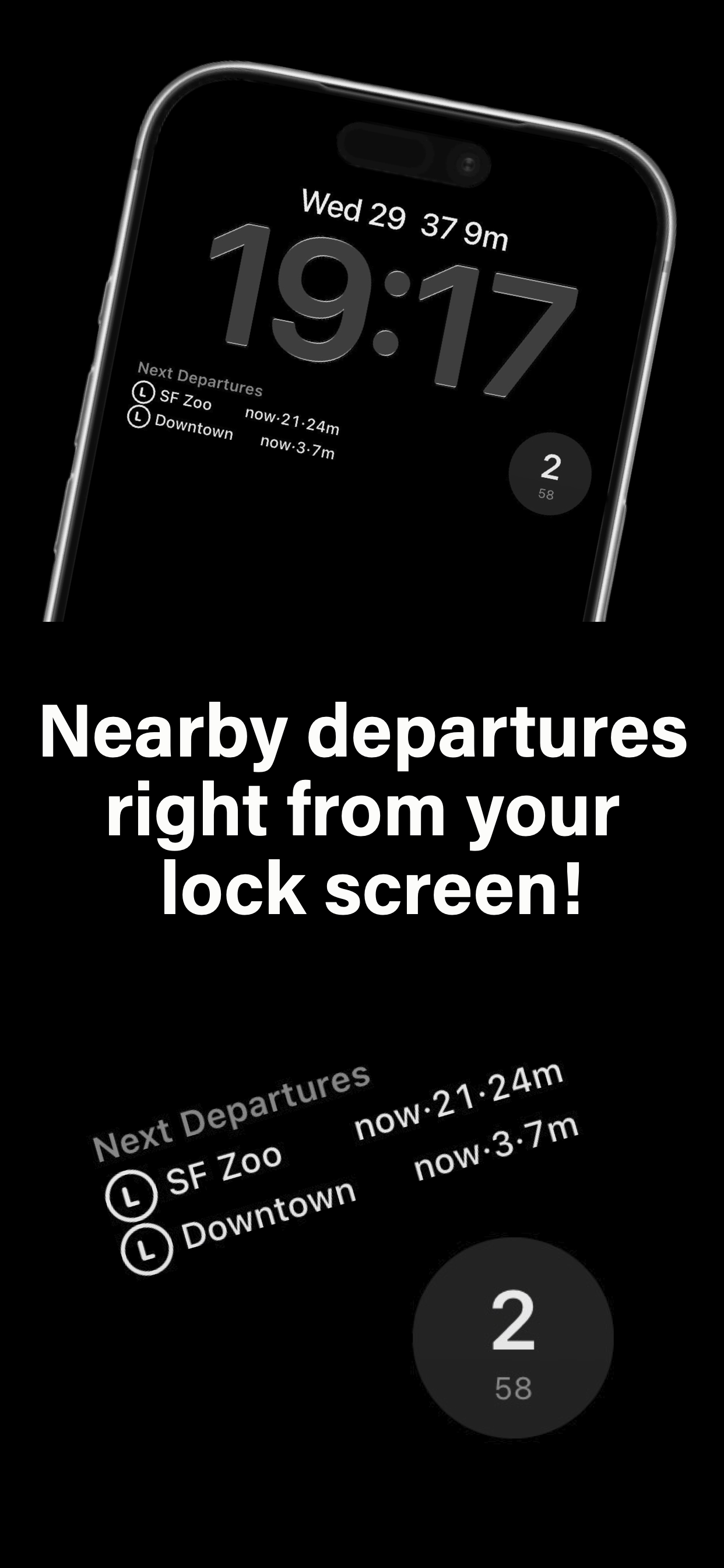
Transit, from your lock screen.
Pick the stops you use, and departure times will update live across your home and lock screen.
Requires iOS 26.1 or later. No sign-in necessary.
It's super simple
Getting Started.
Pick your stops
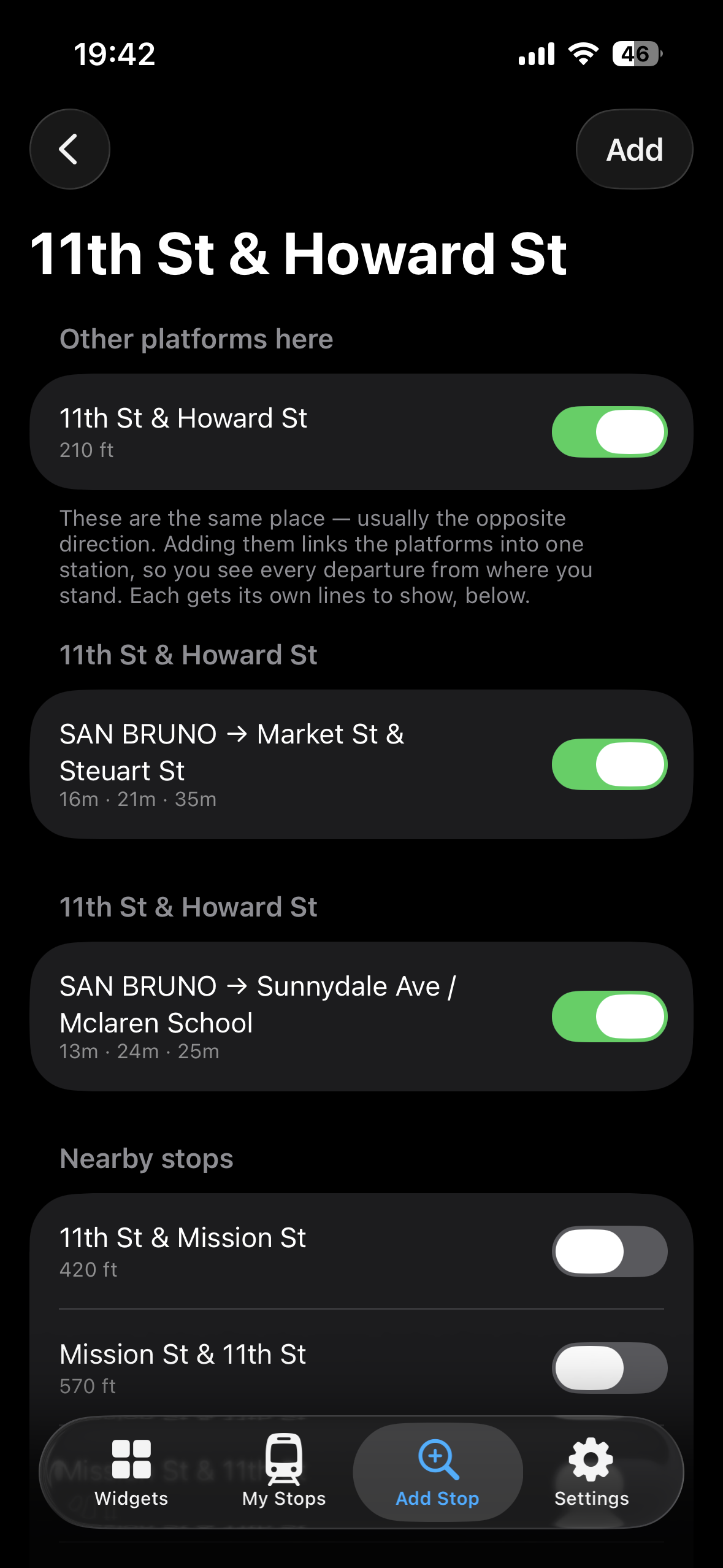
Search for and add your stops from the Bay Area's major transit agencies. BART, Muni + More are all supported.
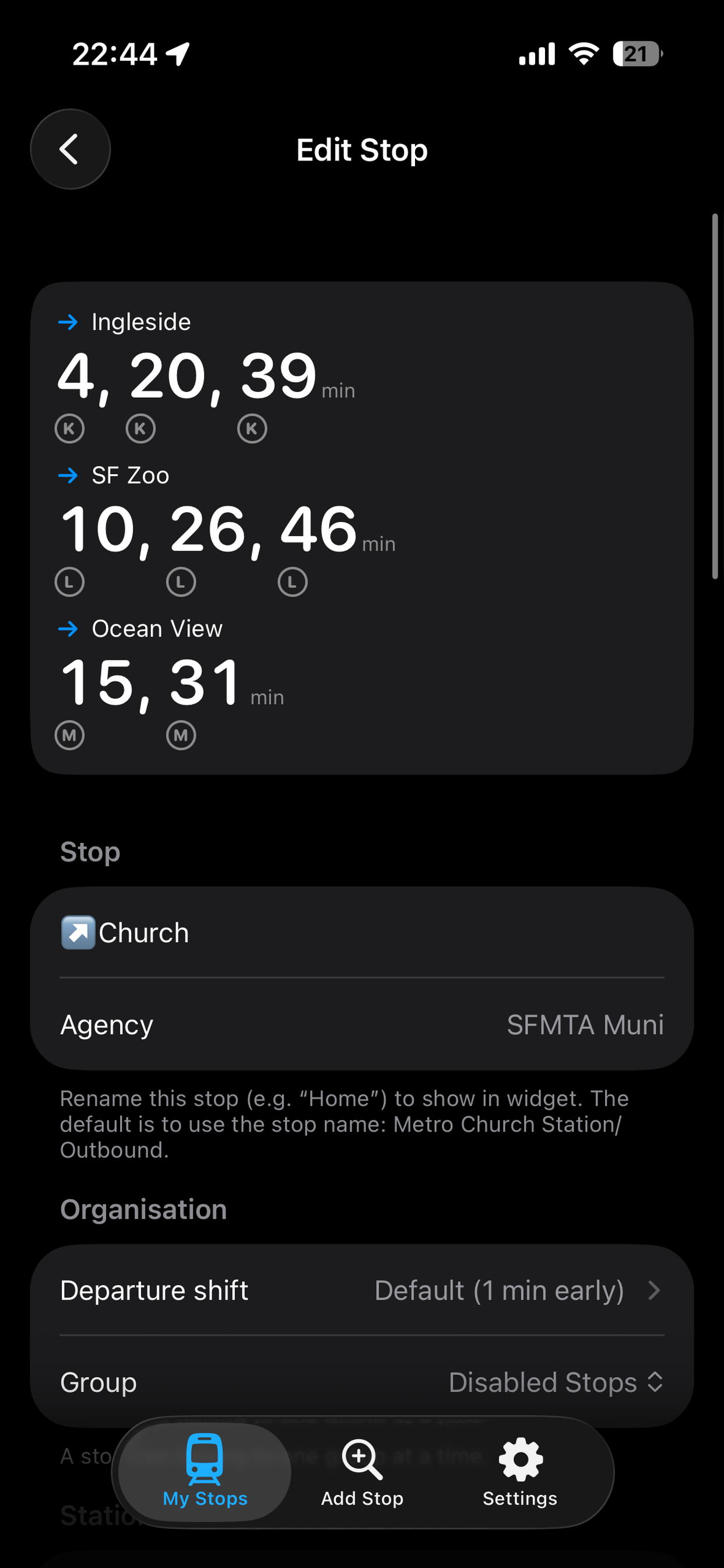
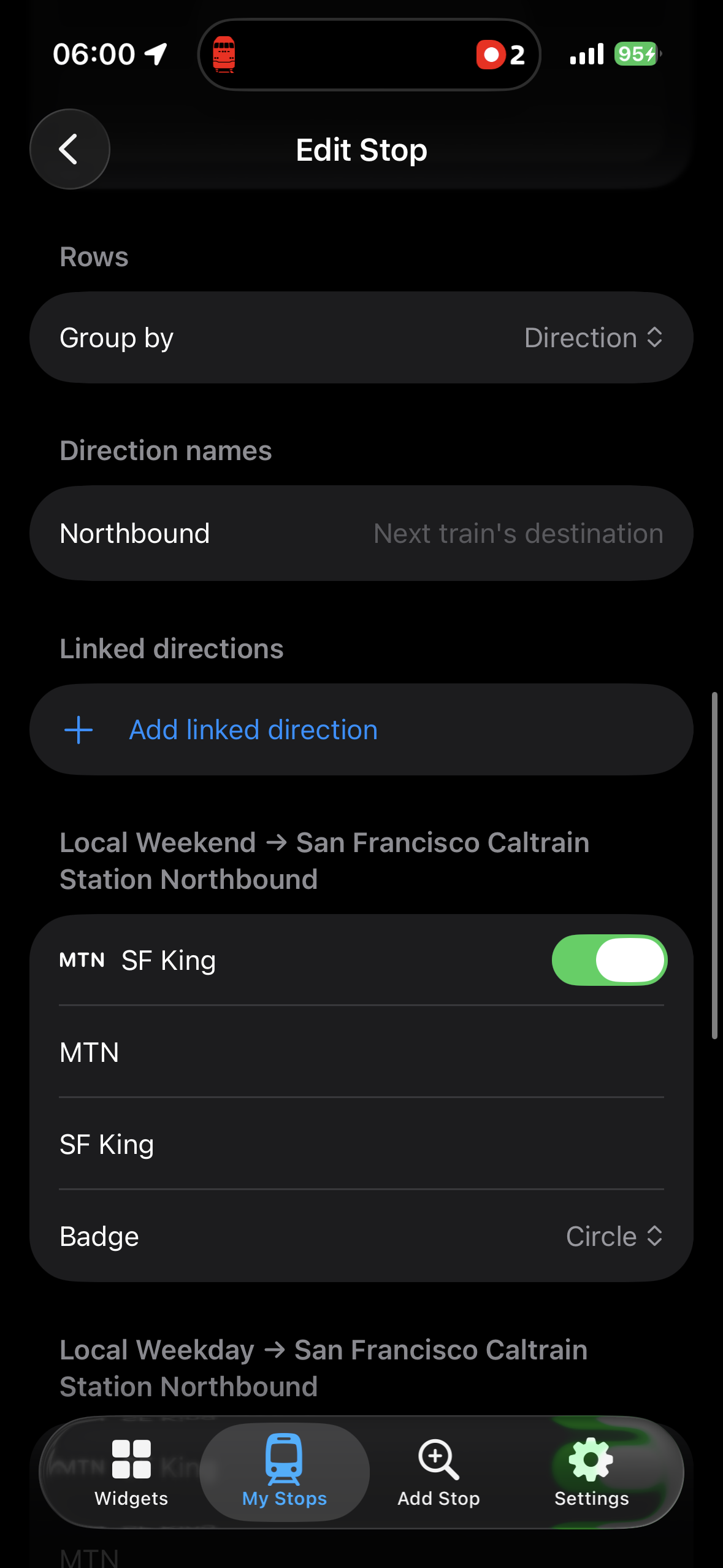
Group Stops or Change Destinations
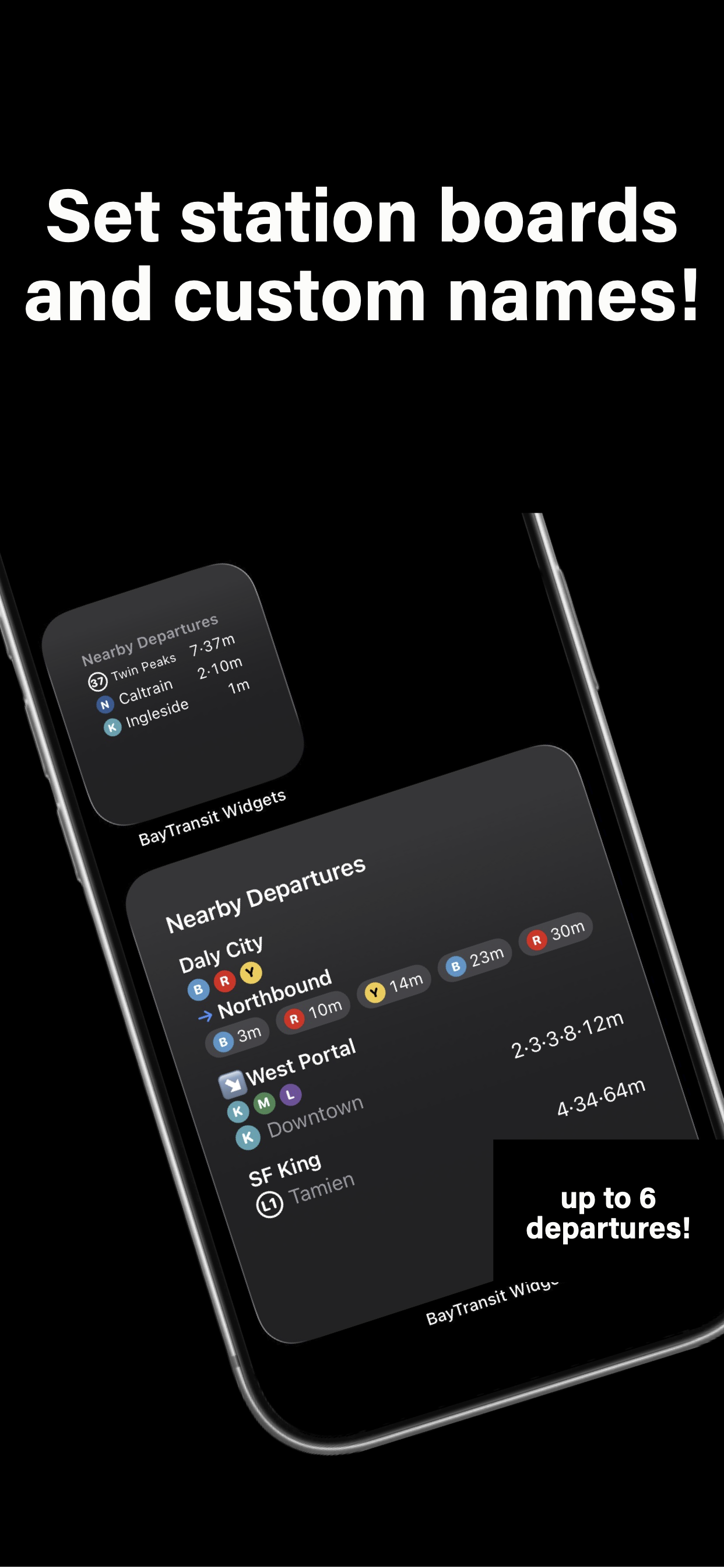
Create stop groupings to combine stops in a direction, or change destination names to make them more meaningful. You can also customize the line roundels, shape, and title.
Lock or Home?
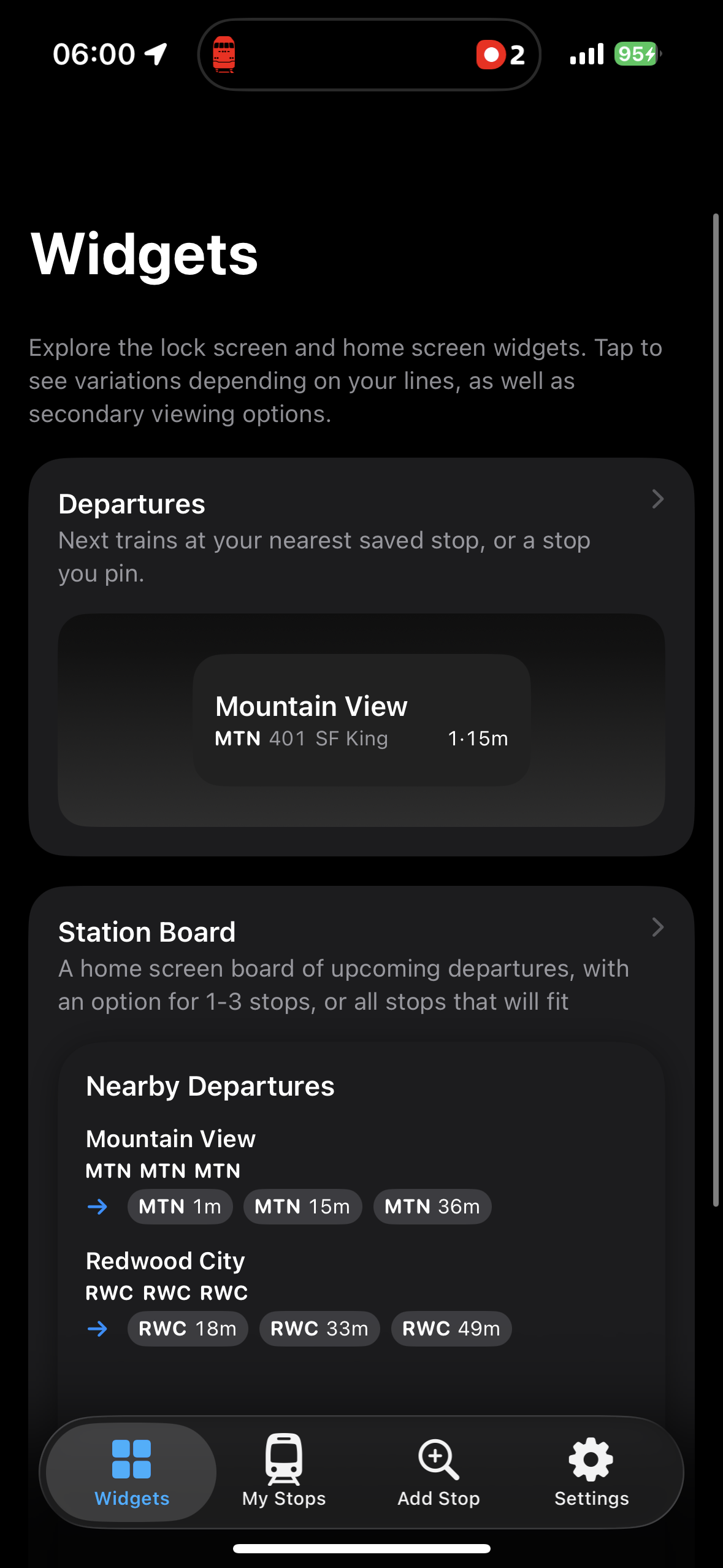
Add the widget to your lock screen, home screen, or both. Choose if you would like to show departures nearest to you, a certain stop, or a stop group that you create. The widget will keep you up to date automatically!
A look inside
How do I add the widget to my lock screen?
Long-press your lock screen, tap Customize, choose the lock screen, tap the widget area under the clock, then find BayTransit Widgets in the list.
For the home screen, long-press an empty part of the home screen, tap + in the corner, search for BayTransit Widgets, and add it.
Which iPhones does it work on?
Any iPhone running iOS 26.1 or later. Apple watches are not supported.
How often does the widget update?
About every 7 minutes. This limit is set by Apple, iOS decides how often any widget may refresh.
To force a refresh, click on the widget to open the app. You'll be able to see your three nearest stops at the top..
The widget is blank, or says "No data available"
- Check you have an internet connection.
- Long-press the widget, tap Edit Widget, and confirm a stop is actually selected.
- Open the app once, so it can refresh in the foreground.
- Remove the widget and add it again.
- Restart your iPhone.
Still having issues? Email us with your iPhone model, your iOS version, and a brief description of your issue.
Why does it say "Location Required"?
The widget is set to show nearby transit and has not been given permission to know where you are. Go to Settings → BayTransit Widgets → Location and allow access.
If you would rather not share your location at all, that is fine, just pick your stops manually.
Which transit agencies are covered?
BART, Muni (SFMTA), AC Transit, Caltrain, Golden Gate Transit, Marin Transit, SamTrans, and SMART.
The times differ slightly from the official app
Small differences are normal. We strive to show the most accurate information possible, but real-time predictions can vary slightly between different apps and sources due to realtime traffic conditions or data delays.
If times are consistently wrong for a particular stop, please email us with a detailed description of the issue. You can also set a custom shift in the app if it is consistent while we work to resolve the issue.
Does it drain my battery?
Over the entire day, the widget's impact on battery life is minimal. It updates infrequently and only when necessary. I've personally expierenced 1% most days.
Do I need an account?
No account, nor payment is necessary.
Never open another app again.
Master your commute, effortlessly with a quick glance.